
In short: Start with the Links report in Google Search Console: it is free and shows a sample of the links Google has found. Add Bing Webmaster Tools, which can also show links to other sites, and a free third-party checker. Most odd links can be ignored. Disavow only if you have a manual action, or expect one, for links you cannot get removed.
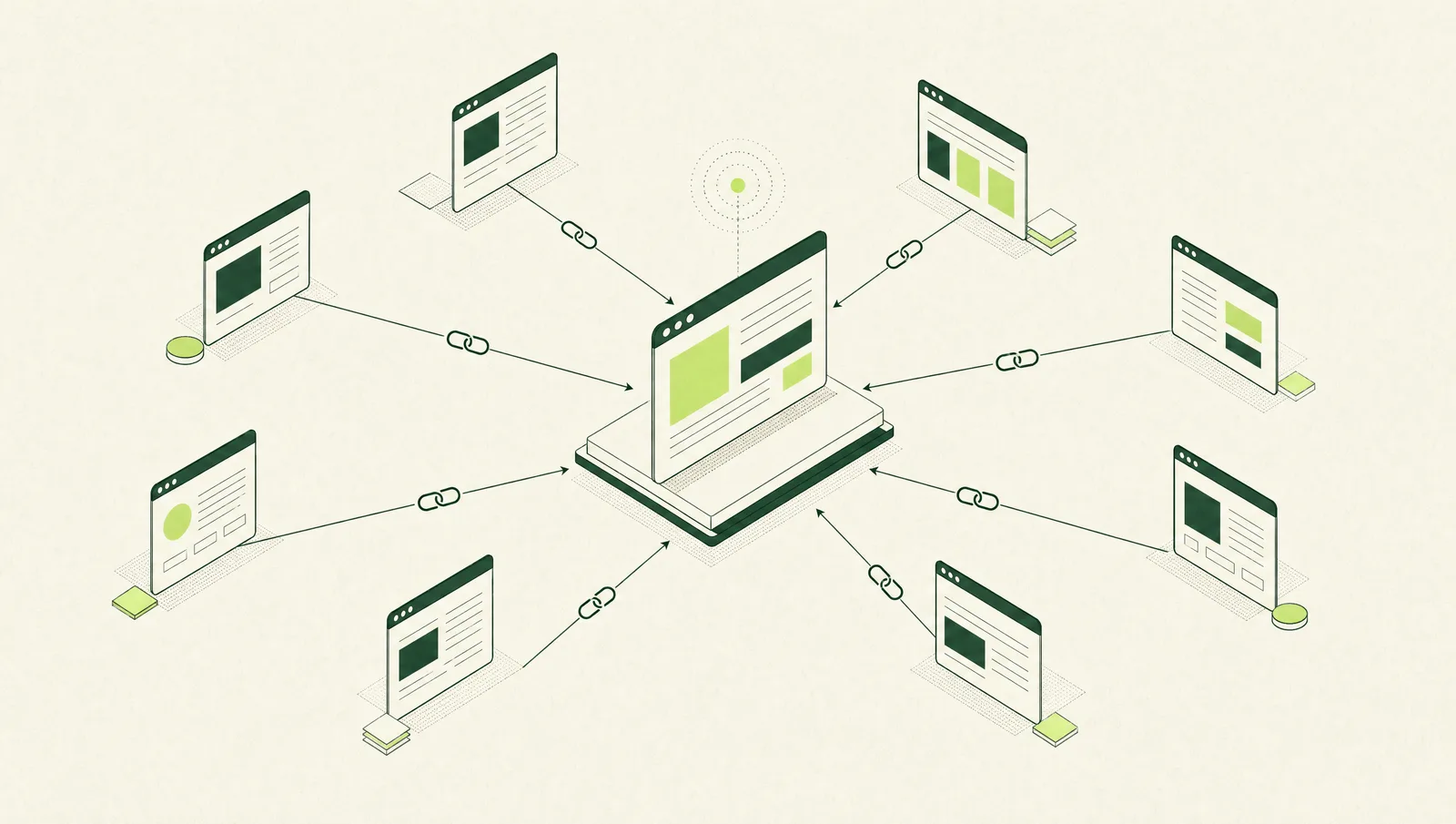
The quickest free way to check your backlinks is the Links report in Google Search Console: open your property, choose Links in the left menu, and look at the “Top linking sites” table. It shows a sample of the sites linking to you, the pages they link to and the link text they use. For a fuller picture, add Bing Webmaster Tools and a free third-party backlink checker, then compare what each one finds.
This guide covers how to use each tool, how to read the results, and what to do when you find links you do not like. Tool details were checked against each provider’s own pages on 15 November 2026.
Why check your backlinks at all
A backlink is a link from another website to yours. If you are new to the idea, our guide to what link building is explains why links matter for search.
Checking them regularly tells you:
- which of your pages other sites find worth linking to
- which sites are linking to you, including ones you did not know about
- whether links you earned in the past are still there
- whether anything that looks manipulative is pointing at your site
It is also a standard part of an SEO audit, alongside technical and on-page checks.
Method 1: Google Search Console Links report
Search Console is free, and the data comes from Google itself, so start here.
Set it up
You need a verified property. Google’s help page on adding a website property explains the two types:
- Domain property (for example
example.com.sg): covers all subdomains and both http and https. It must be verified with a DNS record. - URL-prefix property (for example
https://www.example.com.sg/): covers only URLs starting with that exact prefix, and offers several verification methods.
Google says data usually appears within a few days of verification. If your web developer or agency set this up, check that your own company account is an owner. Our guide to choosing an SEO agency covers why that matters.
Find the report
Open your property and select Links in the menu. Google’s Links report help page describes the tables you will see:
| Table | What it shows | What to look for |
|---|---|---|
| Top linked pages | Your pages with the most links from other sites | Are your key service pages here, or only the homepage? |
| Top linking sites | Sites with the most links to you | Unfamiliar or spammy-looking domains |
| Top linking text | The anchor text other sites use | Text that is accurate, not stuffed with keywords |
| Internal links | Your pages linked most from within your site | Important pages that get few internal links |
Click any row to drill down. For example, selecting a linking site shows which of your pages it links to.
Know the limits
Google is clear that the report is a sample. Its help page says:
- the report “isn’t a comprehensive list of every link”
- tables are limited to 1,000 rows
- it includes links Google has found over time, and some may since have been removed
- it does not say whether a link is marked
nofollow - linking sites are grouped by root domain, so subdomains are combined
The Export button at the top of the report can download up to 100,000 rows as a CSV file or Google Sheet, split into “Latest links” and “More sample links”. The latest links export is the easiest way to see what is new.
Method 2: Bing Webmaster Tools
Bing runs its own crawler, so its link data adds to Google’s rather than duplicating it. When Bing relaunched Webmaster Tools in 2020, it said its Backlinks tool “lists backlinks for any site, including similar sites”. That makes it one of the few free ways to look at a competitor’s links.
Two points to know:
- You need to add and verify your own site in Bing Webmaster Tools first.
- Bing removed its disavow links feature in October 2023, as Search Engine Journal reported. Older tutorials that describe disavowing in Bing are out of date.
Method 3: free third-party backlink checkers
Commercial SEO tools crawl the web themselves and keep their own link indexes. Most offer a free, limited version.
Ahrefs’ free backlink checker. Ahrefs’ backlink checker page describes it as a free version that gives “a glimpse” of its paid tool. You enter any domain or URL and see headline figures such as backlinks, referring domains and Domain Rating, Ahrefs’ own measure of a site’s link strength.
Ahrefs Free (formerly Ahrefs Webmaster Tools). For your own site, Ahrefs Free gives free access to its backlink, site audit and web analytics tools for websites you verify. It shows up to 1,000 backlinks at a time. Looking at sites you have not verified, such as competitors, needs a paid plan.
Other tool vendors offer similar free tiers with their own limits. Check each one’s current terms on its own website, as free allowances change.
Metrics such as Domain Rating are calculated by the tool vendor, not by Google. They are useful for comparing sites within one tool, but they are not Google ranking scores.
How to read your results
Raw link counts can mislead. One site with a sitewide footer link can produce thousands of “backlinks” from a single referring domain. Focus on these instead:
- Referring domains, not total links. Ten relevant sites linking once each usually tells you more than one site linking 5,000 times.
- Relevance. Are the linking sites in your industry, your local market or your customers’ world? A Singapore trade association or supplier linking to you makes sense. A gambling blog in another language does not.
- Target pages. If almost every link goes to your homepage, your service pages may need content that is worth linking to.
- Anchor text. Natural anchor text is mostly your brand name, your URL or descriptive phrases. Large numbers of exact-match keyword anchors can be a sign of past link buying.
- Changes over time. New links you did not build, or a sudden spike from one domain, are worth a closer look. So is a valuable link that has disappeared.
- Agreement between tools. If Google, Bing and a third-party tool all show the same linking site, it is almost certainly real.
What to do about bad links
Finding a few strange links is normal for any site that has been online for a while. Google’s Links report help page says that for known spam sites, “Google typically will ignore the links”.
Usually: do nothing
Google’s disavow links help page says that “in most cases, Google can assess which links to trust without additional guidance, so most sites will not need to use this tool.” It also warns that using the tool incorrectly “can potentially harm your site’s performance”.
Check for a manual action
Open the Manual actions report in Search Console. Google’s Manual actions report help page explains that this is where you see whether a human reviewer has found a violation of Google’s spam policies, including unnatural links to your site.
If you have a problem with paid or manipulative links
This usually happens when someone bought links in the past, or a previous provider used link schemes. Google’s spam policies list examples, including buying links for ranking purposes, excessive link exchanges, automated link creation and low-quality directory or bookmark links. Our guide to white-hat and black-hat link building explains the difference in practice.
Google’s suggested order is:
- Download your links from Search Console.
- Identify the links that break the link spam policy.
- Ask the site owners to remove them, or to add
rel="nofollow"orrel="sponsored". - Disavow only the links you could not get removed. The disavow file is a plain
.txtfile with one URL ordomain:example.comentry per line. - If you had a manual action, fix the issue and select Request Review, with notes on what you removed and what you could not.
Google’s disavow page notes that the tool does not support Domain properties, so you need a URL-prefix property to upload a file. Each upload replaces the previous list, and changes can take a few weeks to take effect.
How often to check
For most small and medium businesses, a monthly look at the Search Console export is enough. Check more often if you are running an outreach or PR campaign, after a site migration, or if your search traffic drops without an obvious cause. After a migration, look at your top linked pages: links to old URLs that now return errors are worth redirecting, which our technical SEO checklist covers.
From checking links to earning them
Checking backlinks tells you where you stand. It does not add new ones. Earning relevant links usually takes content other sites want to cite, plus outreach to partners, suppliers, associations and publications in your market. Our guide to getting backlinks in Singapore covers the main approaches.
If you would rather hand this over, FYAdvisers offers link building for Singapore businesses. We start by reviewing your existing links with the tools above, then build new ones through content, digital PR, partner pages and lost-link recovery, and list every link in our reports so you can check it yourself.
Frequently asked questions
What is the best free way to check my backlinks?
Google Search Console's Links report, because the data comes from Google itself. It shows your most-linked pages, the sites that link to you most and the link text they use. It is a sample rather than a full list, so pair it with Bing Webmaster Tools or a free third-party checker.
Does Google Search Console show all my backlinks?
No. Google says the Links report is not a comprehensive list of every link, tables are limited to 1,000 rows, and some links it lists may since have been removed. The export can download up to 100,000 rows.
Can I check a competitor's backlinks for free?
Partly. Bing Webmaster Tools says its Backlinks tool lists backlinks for any site, including similar sites, once your own site is set up. Ahrefs' free backlink checker also accepts any domain but shows a limited preview of its paid data.
Should I disavow spammy backlinks?
Usually not. Google says that in most cases it can assess which links to trust without help, and most sites will not need the disavow tool. It is meant for sites with a manual action for unnatural links, or that expect one because of paid links or other link schemes.
Why do different backlink checkers show different numbers?
Each tool crawls the web separately and keeps its own index, so each finds a different set of links. Search engines' own reports are samples. Compare trends and specific linking sites rather than the headline totals.