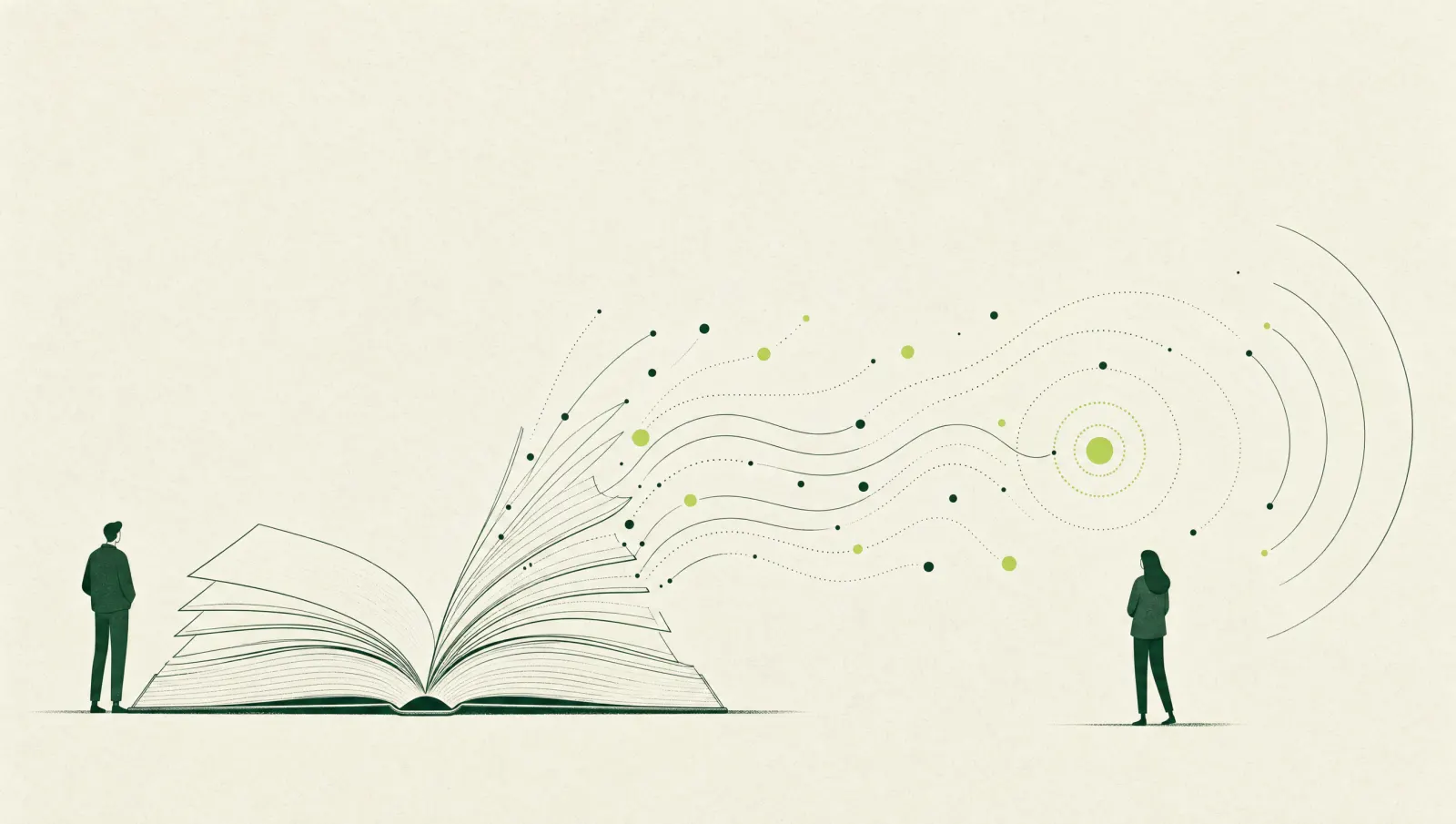
In short: Use rules when the steps and the screen are stable. Use a model when the input is messy text or an image a rule cannot read. Many jobs need both, with a person on the exceptions. This is not a ranking of RPA or AI tools. Checked 12 Nov 2026.
AI agents versus workflow automation is a different comparison. This page is classical robotic process automation against a model, and the cases that need both.
How to tell them apart
1. RPA copies a stable procedure
If a person always opens the same screens, in the same order, and types fields that are already structured, a bot can follow that script. It breaks when the screen moves or the case is an exception. Hiring and scoping that bot is the RPA consultant page.
2. A model is for input the script cannot read
Free-text emails, mixed invoice layouts, photos of forms. A model can propose a field or a draft. It can also be wrong. Do not send that output onward until someone, or a second check you have defined, has looked.
3. Combining them is a design, not a slogan
Illustrative only. A model reads a supplier PDF. A person confirms three fields. A bot enters those fields in a portal that has no interface for software. The model is not the bot. The bot is not allowed to “fix” a low-confidence read by itself.
4. Exceptions decide whether you should start
If most cases are different, a bot will be brittle and a model will need a large review load. When not to automate is that stop. What to automate first is the sequence if several processes qualify.
5. Platforms are a means, not a winner
UiPath, Power Automate desktop, and other robot tools exist. So do model APIs. The consultant should justify a choice against licences you already pay for and against the running cost. Power Automate is one of those options. This page does not crown a best platform.
6. Personal data and privileged logins
A bot often logs in as a powerful user. A model often receives document text. Both need access limits, logs and a PDPA answer. The governance checklist is the list. The CSA securing-AI guidelines of 15 October 2024 are guidance for system owners, not a licence. Checked 12 November 2026.
7. Funding follows the activity, not the label “AI”
Checked 12 November 2026. New grant applications generally go through the EDGE Grant. Support levels differ by activity. Isolated task automation is listed as not supported on the large-scale digital transformation activity. Do not assume every bot is that activity, or that every bot is excluded. Apply before work starts. IRAS’s 400% deduction is for qualifying AI expenditure in Years of Assessment 2027 and 2028, not for every rules-based script. The AI grants guide is the map. Ask a tax adviser before you treat a bot invoice as qualifying AI spend. FYAdvisers is not a tax adviser.
8. Write the handoff before you pick the tool
Who handles cases the bot cannot finish. Who restarts a failed job. Who may change the script. Those answers belong in the scope whether you use rules, a model, or both.
WhatsApp +65 9071 3976 (chat).
Frequently asked questions
Is RPA the same as an AI agent?
No. Classical RPA follows steps you wrote, usually against screens or forms. An agent or a model interprets messy input and can be wrong. The separate guide on agents versus workflows is about that second split, not this one.
Can one project use both?
Yes. A model can read an unstructured document and a bot can type the checked fields into a system that has no API. Write who reviews the model’s output before the bot acts.
Does an RPA project qualify for the 400% AI tax deduction?
Not automatically. IRAS’s AI activity is about qualifying AI systems and qualifying AI business services. A rules-only bot may not meet that definition. Ask a tax adviser. EDGE support, if any, depends on the activity and on applying before work starts.